
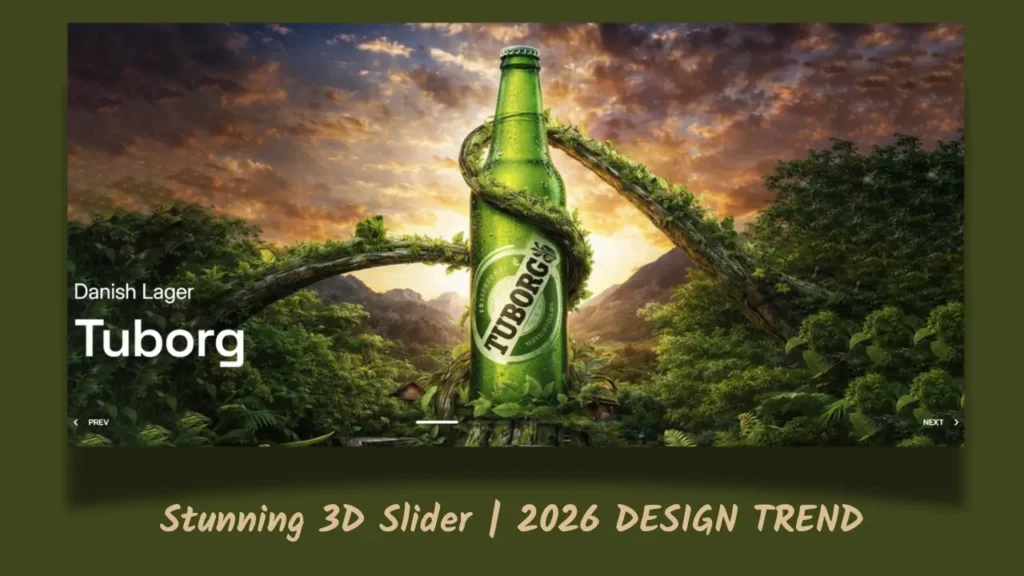
A well-designed website is not just about displaying information. The way content moves, responds, and interacts with visitors can make a page feel much more engaging. One example is a 3D slider carousel, an interactive design element that gives a website a sense of depth while allowing users to browse through multiple items.
Unlike a traditional slider where images simply move from left to right, a 3D carousel can make cards or images appear to rotate around a central point. This creates a more dynamic experience and can be especially effective for portfolios, product showcases, creative websites, photography galleries, and landing pages.
What Is a 3D Slider Carousel?
A 3D slider carousel is an interactive component that displays multiple slides in a three-dimensional arrangement. Instead of showing every item on a flat surface, the carousel uses perspective, rotation, scaling, and positioning to create the appearance of depth.
For example, the active card might appear larger and closer to the viewer, while the cards beside it appear slightly smaller and angled away. As the user navigates through the carousel, the cards smoothly rotate into position.
This effect can make a simple collection of images or content feel much more interactive without requiring the visitor to leave the page.
Watch the Preview
Click Here to Download the Code
How Does a 3D Carousel Work?
A 3D carousel is generally created using a combination of HTML, CSS, and JavaScript.
HTML provides the structure for the slides. Each image, card, or content item is placed inside the carousel container.
CSS handles much of the visual experience. Properties such as transform, perspective, rotate, translate, and scale can be used to position elements in three-dimensional space.
JavaScript can then control the interaction. When someone clicks a navigation button, swipes on a mobile device, or interacts with the carousel, JavaScript can update the active slide and trigger the appropriate animation.
Why Use a 3D Slider on a Website?
The biggest advantage of a 3D carousel is its visual impact. It can immediately draw attention to an important section of a page and give a website a more polished appearance.
It can also be useful when you need to display several related items without taking up too much vertical space. A designer could use it to showcase:
- Website projects in a portfolio
- Product images
- Team members
- Photography
- Services
- Case studies
- App screens
- Featured content
Building the 3D Slider
Creating a carousel from scratch is a useful way to understand how modern web animations work. You can start with a basic collection of cards and gradually introduce perspective and transformations.
First, create the carousel structure using HTML. Next, position the cards with CSS and experiment with different rotation angles and depth values. Once the visual structure is working, JavaScript can be added to control which card is active.
You can then enhance the component with features such as arrow navigation, autoplay, touch gestures, keyboard controls, and responsive layouts.
For this tutorial, I have also created a practical demonstration video on my YouTube channel.
Watch the Preview
Final Thoughts
A 3D slider carousel can be a great addition to a modern website when it is used thoughtfully. It combines layout, animation, interaction, and visual design to create an experience that feels more engaging than a conventional slider.
The key is not to use 3D animation everywhere. Instead, use it where movement and depth genuinely improve how visitors explore your content. With a clean design, responsive layout, and smooth transitions, a 3D carousel can become a memorable part of a website without compromising usability.


